|
Hello, you may add the tile area as an accessible zone: tap the three dots in the top‑right corner to open【Settings】→【Accessible Zone】.
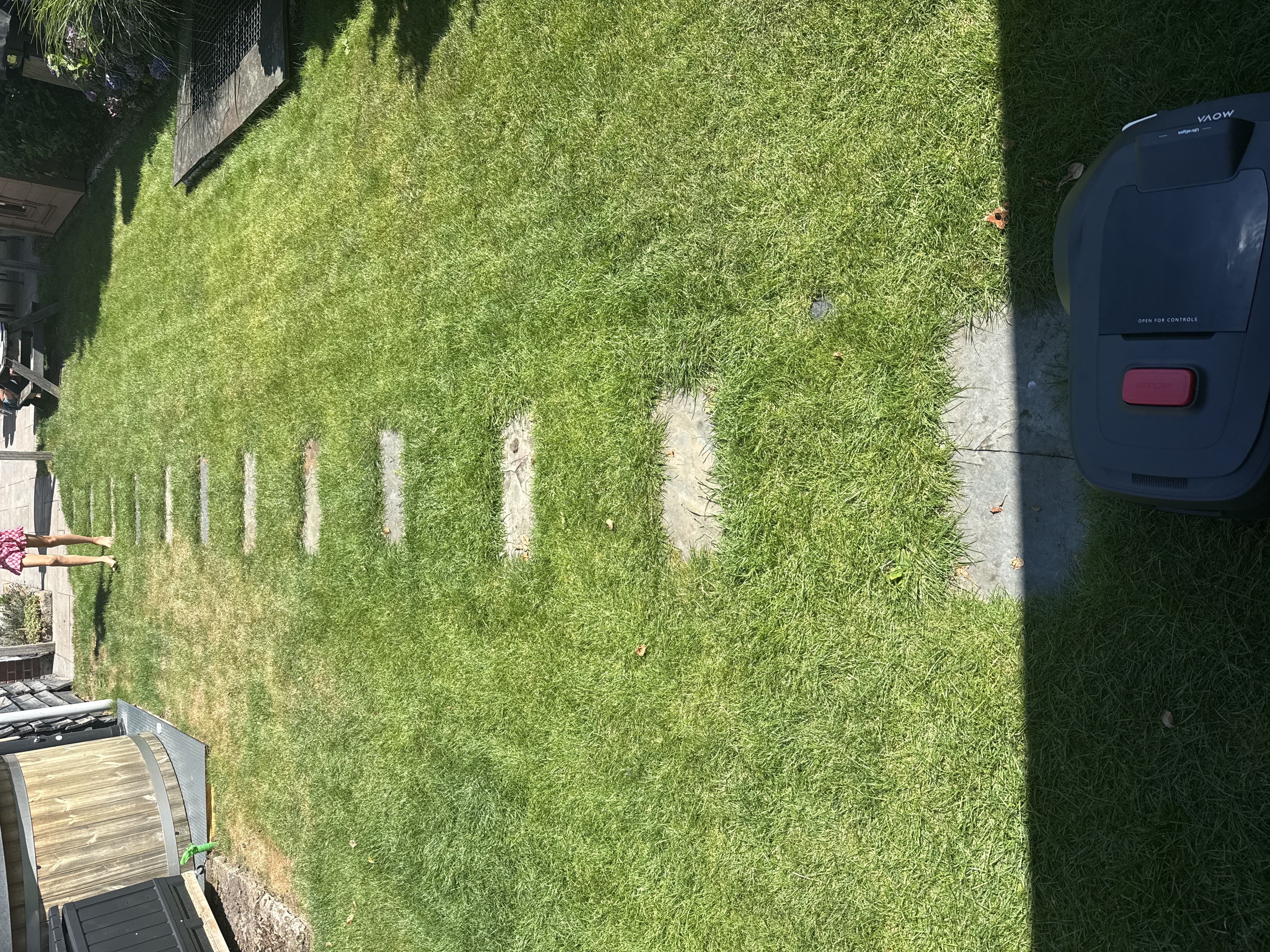
Draw an accessible zone over the tiles on the map. Within this area, the robot will ignore non‑grass surfaces, drive through and mow the surrounding lawn.
Remember to save the map after drawing. If the robot still avoids the tiles, please provide your SN, upload logs and share your device for further checking. | 



 144
144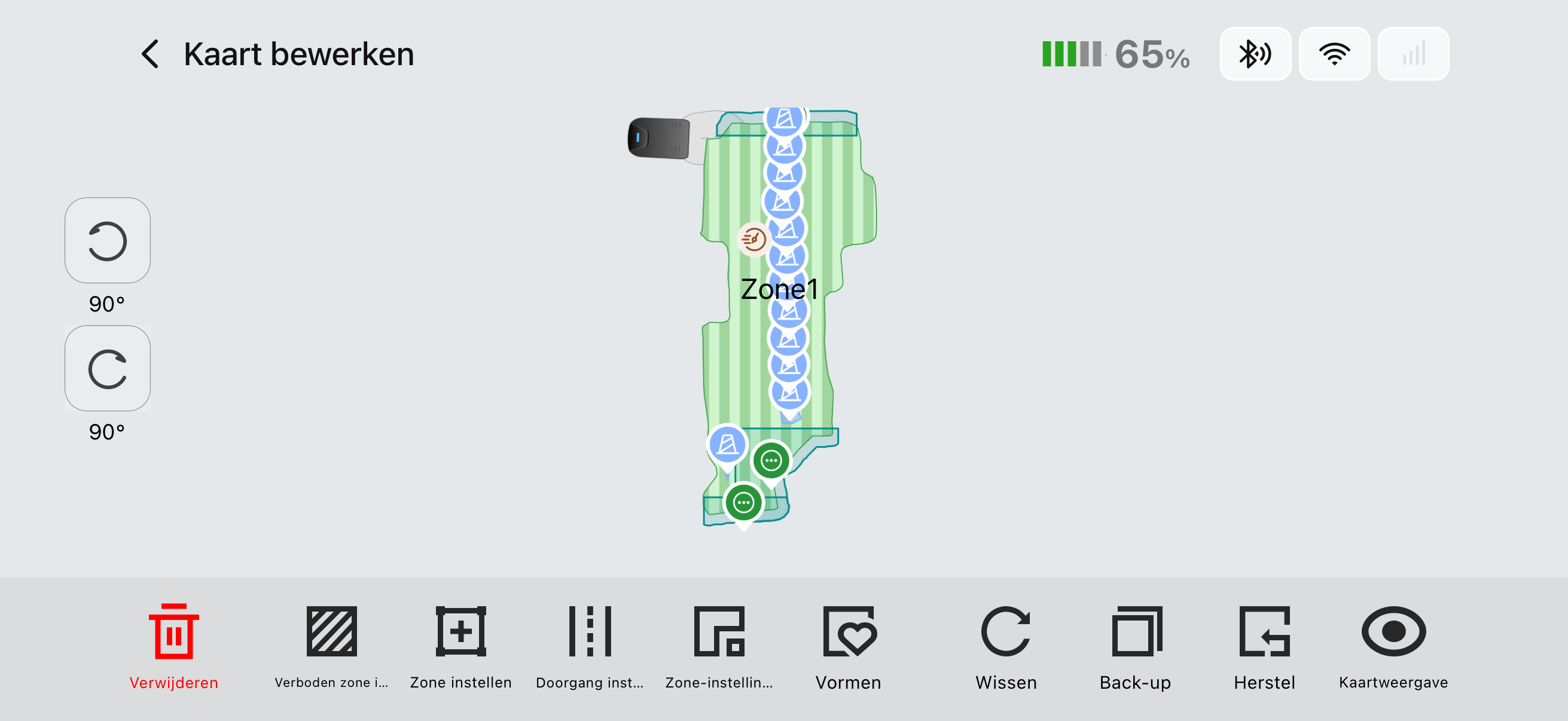



 NL
NL






